Microsoft recently open-sourced MarkItDown, a tool that converts various Office documents into Markdown format. The repository topped GitHub’s trending chart right after launch.
Because MarkItDown is written in Python, getting it to run locally can be tricky for non-technical users. To make it more accessible, I looked into running Python code directly inside the browser using WebAssembly.
The standard open-source way to run Python in the browser is Pyodide. It ports CPython to WebAssembly, so normal Python syntax works as expected. Cloudflare’s Python Workers are built on Pyodide too.
Pyodide is a port of CPython to WebAssembly/Emscripten.
It makes it possible to install and run Python packages in the browser using micropip. Any pure Python package with wheels available on PyPI is supported.
Many packages with C extensions have also been ported for use with Pyodide, including regex, PyYAML, lxml, and scientific Python packages like NumPy, pandas, SciPy, Matplotlib, and scikit-learn. Pyodide comes with a foreign function interface between JavaScript and Python, allowing you to mix both languages with minimal friction, including full support for error handling and async/await.
Inside the browser, Python has full access to the Web APIs.
Running MarkItDown through Pyodide turned out to be surprisingly smooth—WebAssembly really is the future of the browser.
Main Hurdles and Workarounds
-
File Transfer: How do you hand user-selected files over to the Python runtime inside a Web Worker?
- Solution: Convert the browser
Fileobject into anArrayBuffer, then write it straight into Emscripten’s virtual filesystem before passing the path to Python.
- Solution: Convert the browser
-
Package Installation: PyPI access can be spotty in mainland China.
- Solution: Set up a dedicated PyPI mirror on Cloudflare. See: Cloudflare PyPI Mirror.
In the end, I put together a fully client-side MarkItDown web tool. You can try it out here: Office File to Markdown.
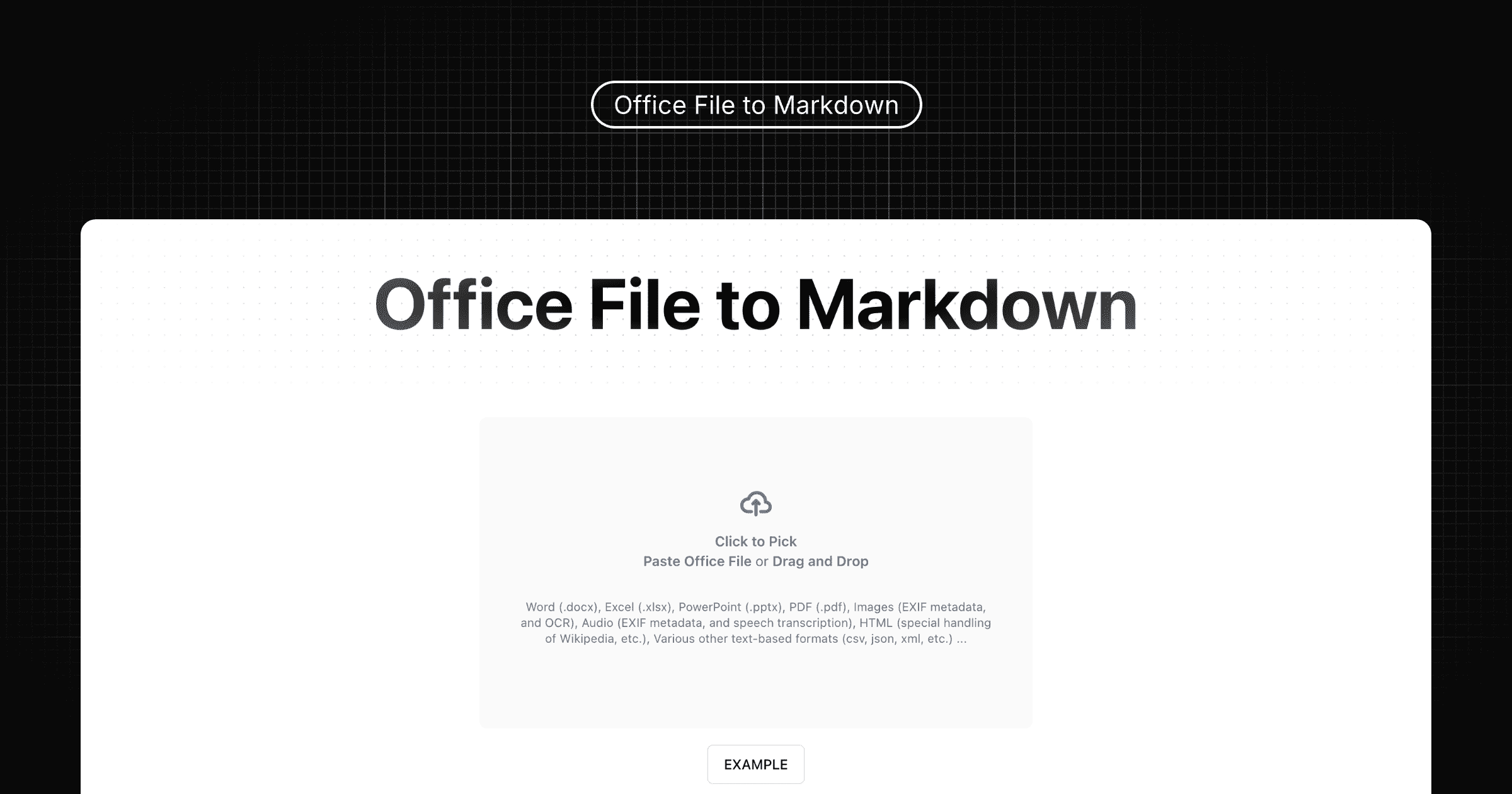
Core Worker Code
Here is the core Web Worker code that spins up Pyodide and runs the conversion:
importScripts('https://testingcf.jsdelivr.net/pyodide/v0.26.4/full/pyodide.js')

// npmmirror supports pyodide, but does not support the nested zip packages
// importScripts('https://registry.npmmirror.com/pyodide/0.26.4/files/pyodide.js')

async function loadPyodideAndPackages() {
  const pyodide = await loadPyodide()
  globalThis.pyodide = pyodide

  await pyodide.loadPackage('micropip')

  const micropip = pyodide.pyimport('micropip')

  // Requires PEP 691 and CORS support
  // micropip.set_index_urls([
  //   'https://pypi.your.domains/pypi/simple',
  // ])

  await micropip.install('markitdown==0.0.1a2')
}

const pyodideReadyPromise = loadPyodideAndPackages()

globalThis.onmessage = async (event) => {
  await pyodideReadyPromise

  const file = event.data
  try {
    console.log('file', file)
    const startTime = Date.now()
    globalThis.pyodide.FS.writeFile(`/${file.filename}`, file.buffer)

    await globalThis.pyodide.runPythonAsync(`
from markitdown import MarkItDown

markitdown = MarkItDown()

result = markitdown.convert("/${file.filename}")
print(result.text_content)

with open("/${file.filename}.md", "w") as file:
  file.write(result.text_content)
`)
    globalThis.postMessage({
      filename: `${file.filename}.md`,
      content: globalThis.pyodide.FS.readFile(`/${file.filename}.md`, { encoding: 'utf8' }),
      time: Date.now() - startTime,
    })
  }
  catch (error) {
    globalThis.postMessage({ error: error.message || 'convert error', filename: file.filename })
  }
}