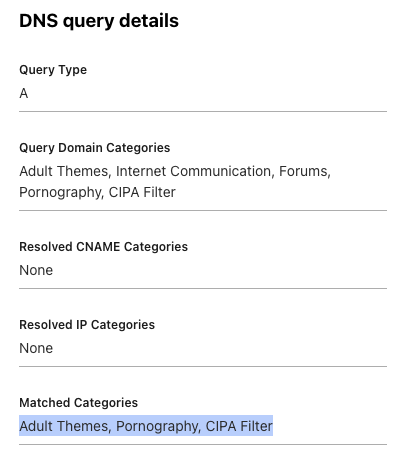
When I shipped the initial version of L(O*62).ONG, I used immediate HTTP 301 server-side redirects. The very next day, Google flagged the site with a Deceptive Site / Security Warning. I had to scramble, add an interstitial confirmation warning before redirecting users, and submit an appeal to Google Search Console.
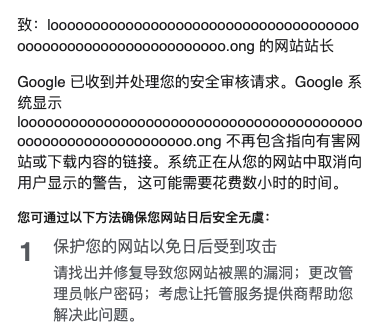
The standard industry approach here is running destination URLs through Google Safe Browsing. But Safe Browsing has notable constraints: a free quota of 10,000 queries per day, and zero ability to configure custom whitelists or blacklists. Furthermore, because I wanted to keep the entire stack on Cloudflare without introducing external dependencies, I looked for alternatives.
During a discussion with another developer, an idea struck: why not use a filtered DNS resolver (like family-safe DNS) to evaluate domain safety?
I tested 1.1.1.1 for Families first. Querying it via DNS-over-HTTPS (DoH) worked surprisingly well. If a domain resolved to 0.0.0.0, it was considered blocked.
However, standard 1.1.1.1 doesn’t allow custom domain overrides. Having used Cloudflare Zero Trust in my homelab before, I checked the Cloudflare Zero Trust Gateway—and it turned out to be an ideal match.
Cloudflare Zero Trust Gateway as a Security Oracle
Cloudflare Zero Trust Gateway provides dedicated DoH endpoints where you can configure custom DNS firewall policies. You can block domains based on:
- Security threat categories (malware, phishing, command-and-control)
- Content categories (adult, gambling, newly seen domains)
- Custom domain lists (manual whitelists and blacklists)
Its threat intelligence pulls from Cloudflare’s global edge traffic, 30+ external intelligence feeds, machine learning classifiers, and community reports. (See the Cloudflare domain categories docs for details).
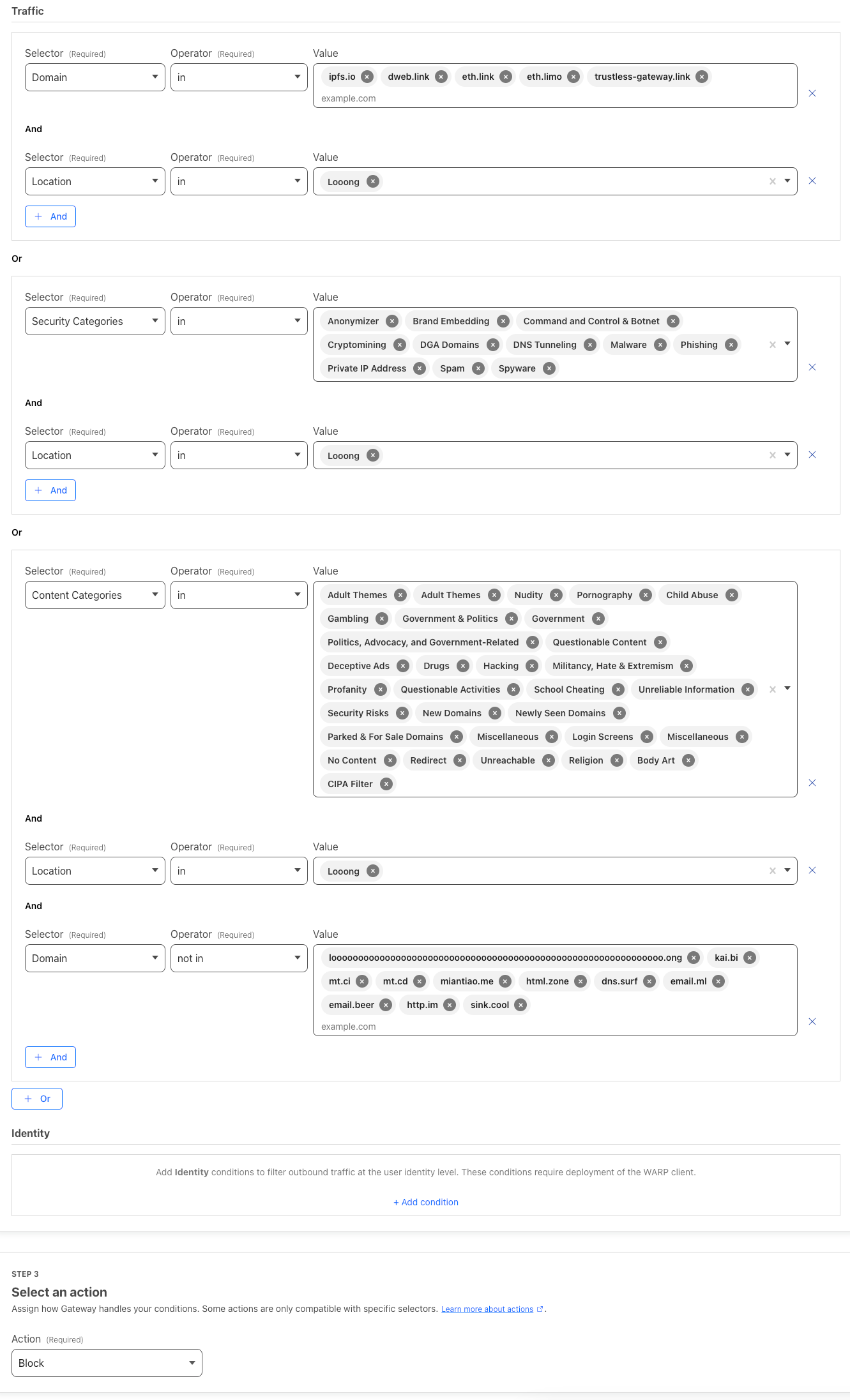
I configured a policy to block high-risk categories (adult content, gambling, newly registered domains, malware) and layered on custom domain rules:
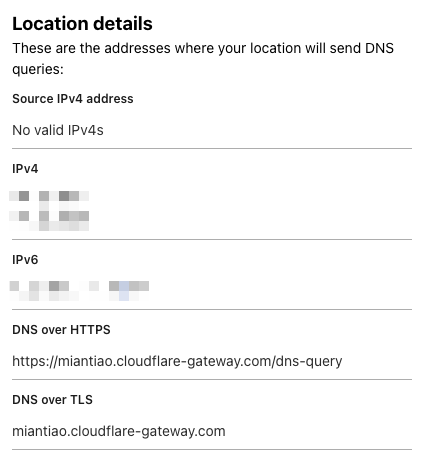
Once configured, Zero Trust gives you a unique DoH endpoint URL:
Integration Code
Here is how you can verify a destination URL before redirecting:
async function isSafeUrl(
  url,
  DoH = 'https://family.cloudflare-dns.com/dns-query'
) {
  let safe = false
  try {
    const { hostname } = new URL(url)
    const res = await fetch(`${DoH}?type=A&name=${hostname}`, {
      headers: {
        accept: 'application/dns-json',
      },
      cf: {
        cacheEverything: true,
        cacheTtlByStatus: { '200-299': 86400 },
      },
    })
    const dnsResult = await res.json()
    if (dnsResult && Array.isArray(dnsResult.Answer)) {
      const isBlock = dnsResult.Answer.some(
        answer => answer.data === '0.0.0.0'
      )
      safe = !isBlock
    }
  }
  catch (e) {
    console.warn('isSafeUrl fail: ', url, e)
  }
  return safe
}
The Zero Trust dashboard also gives you visual logs showing which domains got blocked and why:
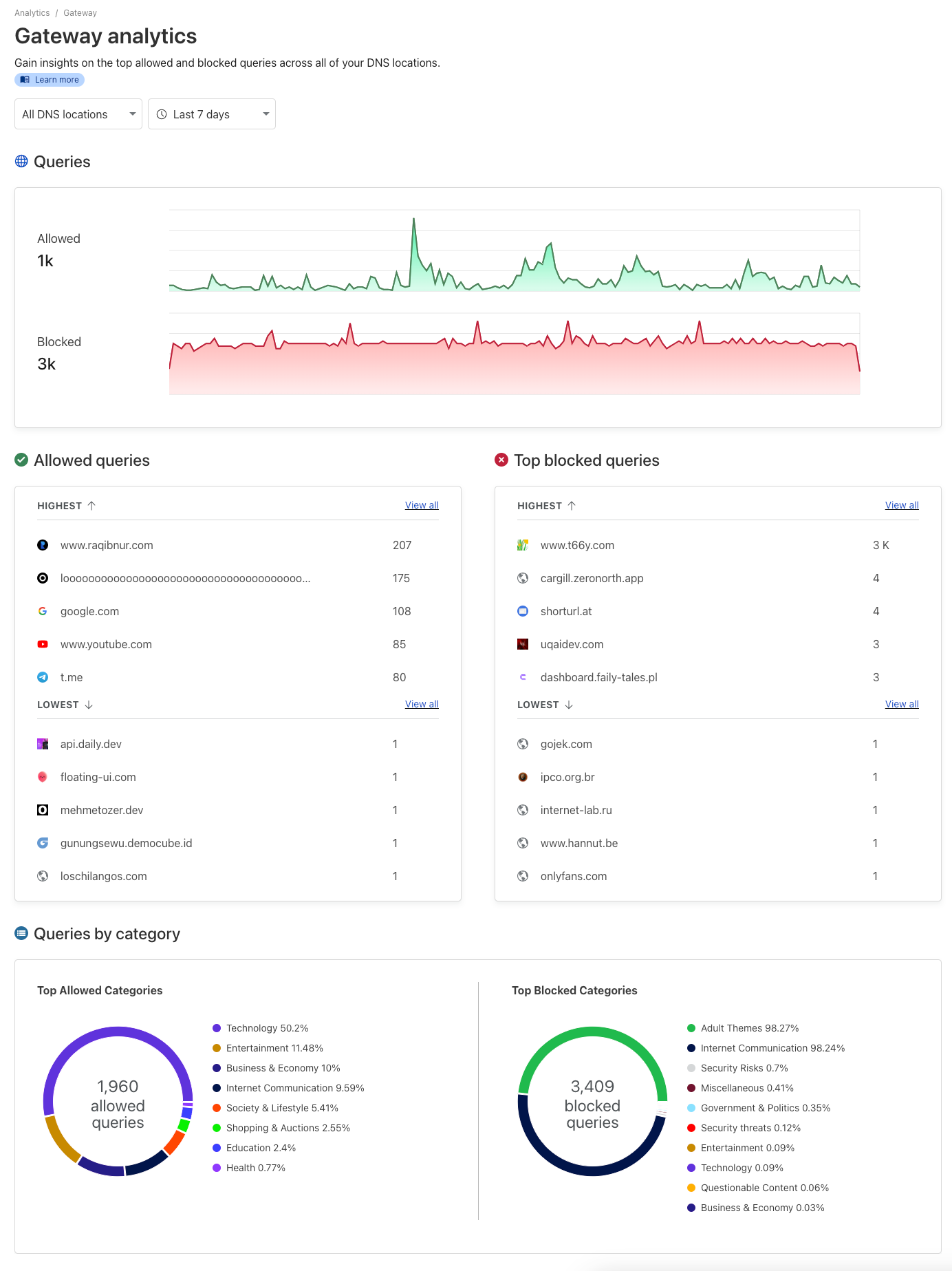
If an unexpected block occurs, you can jump straight into the Gateway audit log to see the exact trigger category: